Refunds are the silent profit killer in affiliate marketing.
You can do everything right, publish solid content, get the click, win the sale, then watch the commission disappear two weeks later.
The fix usually isn’t more traffic.
It’s picking low refund affiliate products before you spend hours creating content.
You can do a fast quality check in about 20 minutes using three places most affiliates ignore: reviews, forums, and support docs.
If you’re still building momentum, keep your foundations simple with a Step‑by‑step guide to your first $500 affiliate earnings.
Then use the process below to stop refunds from eating your progress.
Why refund-heavy products mess with your income
A high-refund offer is like a bucket with a crack.
You keep pouring traffic in, but money keeps leaking out.
Refunds hurt you in a few ways:
Commission clawbacks: Many programs reverse your payout after a refund.
Your stats look good, your bank balance doesn’t.
Wasted time: Every blog post, video, or email takes effort. If the offer doesn’t stick, you’re building on sand.
Support blowback: Buyers often reply to you when they’re angry, even if you don’t run the product. That stress adds up.
Ad risk: If you run paid traffic, refunds can turn “profitable on paper” into “why am I broke?”
So instead of asking, “Does it pay well?” start asking, “Do customers stay?”
Your 20-minute check for low-refund affiliate products
You’re going to act like a buyer who’s slightly skeptical.
Not negative, just alert.
Set a timer for 20 minutes.
Open three tabs: reviews, forums, and the product’s help docs.
Your job is to spot patterns, not read every word.
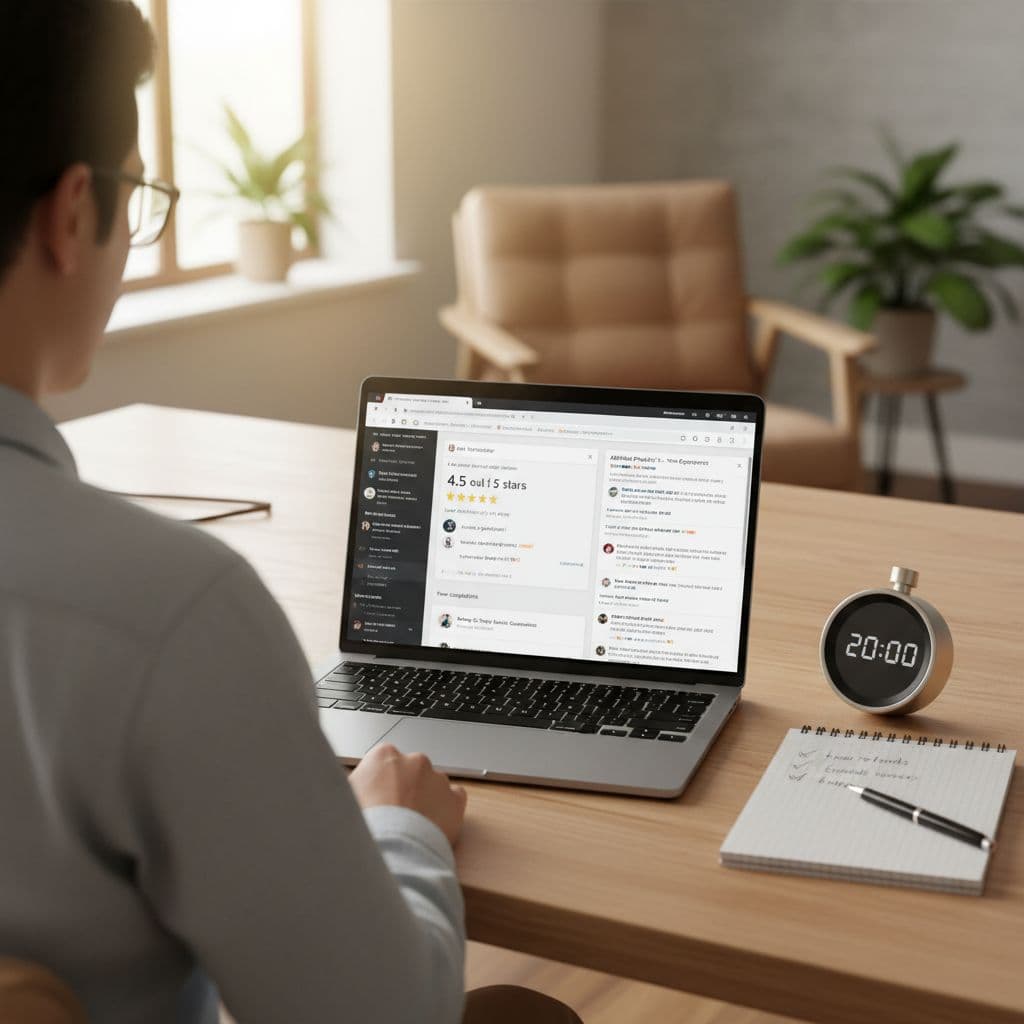
Minute 1 to 7: Use reviews to hunt for refund clues
Start with third-party reviews when possible, not testimonials on the sales page.
Look for places where people complain freely (marketplace reviews, app store reviews, independent review sites, YouTube comments on review videos).
You’re looking for repeated wording, not one angry person.
Search within the page (Ctrl+F) for terms like:
- “refund”
- “cancel”
- “trial”
- “charge”
- “billing”
- “scam”
- “won’t let me”
- “support”
- “login”
Then do a quick reality check on the rating pattern.
A 4.7 average means nothing if the most recent 30 reviews talk about billing drama.
Red flags that often match high refunds:
Billing surprises: “I didn’t know I’d be charged,” “hard to cancel,” “trial turned into a yearly plan.”
Overpromising: “Not like the ad,” “results aren’t real,” “misleading.”
Broken basics: “Doesn’t work,” “buggy,” “can’t log in,” “keeps crashing.”
Green flags that often match low refunds:
Clear outcomes: People describe what they achieved in plain terms.
Good onboarding: Mentions of tutorials, templates, setup help, or a smooth start.
Support praise: “They replied fast,” “they fixed it,” “they helped me switch plans.”
Don’t try to prove the product is perfect. You’re checking if buyers regret the purchase.
Minute 8 to 14: Scan forums for the stuff reviews hide
Reviews can be filtered, incentivized, or posted right after purchase.
Forums and communities tend to show what happens later, when the novelty wears off.
Use Google with searches like:
- product name + “refund”
- product name + “cancel”
- product name + “support”
- product name + “billing”
- product name + “chargeback”
Check a few threads and move fast.
You’re watching for a pattern like “everyone got stuck canceling” or “support went dark after payment.”
A good sign is when you see normal, boring conversations: people asking how to do something, others answering, and the product team popping in sometimes.
Boring is good. Boring often means stable.
A bad sign is repetitive anger with the same theme:
The cancellation maze: users say they can’t find the cancel button, or the company forces them to call.
Refund fights: users mention screenshots, disputes, PayPal claims, card chargebacks.
Blame shifting: the company response is always “user error,” with no fixes offered.
If you see one complaint from 2021, ignore it.
If you see similar complaints from last month, pay attention.
Minute 15 to 20: Read support docs like a buyer who wants out
This step is the fastest way to spot refund risk, because messy products usually have messy help docs.
Go to the product’s knowledge base or help center and look for:
Refund policy: Is it easy to find? Is it written clearly? Or is it hidden and vague?
Cancellation steps: Do they show the exact steps? Do they mention how long it takes? Do they say “email us to cancel” (often a bad sign)?
Billing FAQs: Do they explain trials, renewals, and plan changes in simple language?
Common problem articles: Login issues, integrations, setup, importing data, account access. If the basics aren’t covered, support gets flooded, and refunds follow.
Also check contact options.
A real business gives buyers a path: email, ticket form, chat, or at least a response-time promise.
If you can’t tell how to get help, buyers can’t either.
A simple way to score refund risk (no spreadsheets needed)
You don’t need math.
You need a gut-check system you’ll actually use.
Give the product a quick label:
Green (low refund risk)
Reviews show real results, complaints are minor, cancellation info is clear.
Yellow (mixed)
Product seems useful, but you see repeated friction (setup pain, slow support, confusing billing).
Red (high risk)
Refund and billing complaints show up in multiple places, support docs are thin, cancellation feels hidden.
If it’s red, move on. There are too many offers out there to babysit a problem product.
Common refund traps you can spot early
Some products refund a lot even if they aren’t scams.
They just create regret.
Steep learning curve: Buyers thought it was plug-and-play. It’s not. They give up in 48 hours.
Mismatch between promise and reality: The ad says “instant results.” The product needs time and work.
Bad “first 10 minutes” experience: Login issues, confusing dashboard, missing setup steps. That first impression drives refunds.
Aggressive upsells: Buyers feel trapped in an upgrade funnel. They refund out of principle.
Once you see these patterns, you’ll notice them everywhere.
If the product is “yellow,” you can still reduce refunds
Sometimes a product is solid, but it’s not for everyone.
Your job is to pre-qualify, so the right people buy and stick.
A few practical moves:
Set expectations in your content: Say who it’s for, and who should skip it (beginners, low budget, no time, etc.).
Show the setup: A short walkthrough video or “first steps” checklist can cut regret fast.
Call out the billing terms: Mention trial length, renewal timing, and how to cancel. That honesty builds trust and lowers anger.
Aim at the right intent: People searching “best tool for X” convert better than people watching “make money fast” videos. The second group refunds more.
You’re not trying to talk people into buying.
You’re helping the right buyer say yes.
Your next step: build a shortlist of low refund affiliate products
Set a 20-minute timer and run this check on your next three offers.
You’ll feel the difference fast, because you’ll stop guessing and start choosing with proof.
Over time, low refund affiliate products do more than protect commissions, they protect your energy.
You get fewer fires to put out, more repeatable wins, and a business that feels steady.
Pick products people keep.
Your future self will thank you.