If you’ve ever looked at an affiliate dashboard and thought, “Cool… but which post or video caused that sale?”, you’re not alone.
Most beginners start with random links, then try to guess what worked after the fact.
Affiliate link tracking fixes that.
It turns your promo links into labeled packages, so you can trace every click back to the source and placement.
You don’t need advanced software to get real clarity either.
You just need a simple naming system, UTM tags, sub-IDs, and a way to review results each week.
What you’re actually tracking (and why it matters)
Think of tracking like a return address plus a shelf label.
- UTM tags tell you where the click came from (your email, your YouTube description, your blog sidebar).
- Sub-IDs (sometimes called SubID, SID, or click ID) tell you which exact placement or piece of content sent the click (post slug, video ID, button name).
The point is simple: you stop treating your marketing like a scratch-off ticket. You start collecting proof.
Your 2026 beginner setup (keep it simple)
Here’s a beginner-friendly setup you can start today:
- Pick 3 to 5 traffic buckets you’ll use everywhere
Examples:blog,youtube,email,pinterest,instagram - Pick campaign names you’ll reuse
Examples:review,tutorial,giftguide,blackfriday2026(only when it’s really seasonal) - Pick a sub-ID pattern that won’t change
A clean pattern looks like:content-placer
Example:post-best-web-hosting-cta1oryt-vid23-desc - Keep a basic tracking sheet
One row per link is enough: date created, destination offer, UTM values, sub-ID, where it’s posted.
You’re building a habit, not a giant system.
UTM tags: your “where did this click come from?” label
UTM tags are extra bits you add to a URL, so analytics tools can group traffic into clean categories.
The core UTM fields you’ll use most:
utm_source: where it came from (newsletter name, platform, partner)utm_medium: the type of traffic (email, social, referral)utm_campaign: the theme (review, launch, holiday)utm_content(optional): the placement (button vs banner)
If you want a solid refresher with examples, this beginner explanation of UTM parameters is clear and practical: https://www.monsterinsights.com/a-beginners-guide-to-utm-parameters/
A clean UTM example looks like this:
Your page URL + ?utm_source=youtube&utm_medium=social&utm_campaign=review&utm_content=desc
A few rules that keep your data readable:
- Use lowercase so you don’t split reports (
YouTubeandyoutubeshow up as two sources). - Don’t use spaces, use hyphens (
gift-guide). - Keep names human-readable so you know what they mean months later.
Sub-IDs: your “which exact link did they click?” label
Sub-IDs live inside many affiliate links and tracking platforms.
They’re how you tell the network, “This sale came from this placement.”
This matters because your affiliate dashboard is usually where conversions show up first.
If your dashboard can break performance down by sub-ID, you can identify winners even if your website analytics are missing some attribution.
Common sub-ID formats you’ll see:
subid=sid=aff_sub=clickref=
Every program is a little different.
Your job is to find the field name in the affiliate program’s link builder or help docs, then stick with it.
A simple sub-ID naming pattern you can keep:
- Content ID:
post-best-laptopsoryt-camera-setup - Placement:
btn1,text1,desc,pinned
So your sub-ID becomes: post-best-laptops-btn1
Two safety notes that save headaches:
- Don’t put personal info in sub-IDs (no emails, names, phone numbers).
- Don’t change your naming style mid-month, or your reports won’t line up.
Build one trackable affiliate link (UTMs + sub-ID)
You’ll usually end up with two layers:
- A page on your site (or a redirect link) that carries UTMs.
- The actual affiliate URL that includes a sub-ID.
If you publish direct affiliate links, you can still use UTMs, but it depends on where the click lands and what your analytics can read.
Many beginners get cleaner reporting by sending people to a page on their site first (a review or comparison), then letting sub-IDs handle the final conversion tracking inside the affiliate platform.
If you want a deeper guide on naming UTMs so your data stays clean, this 2025 UTM tagging guide explains the “rules of the road” well: https://web.utm.io/blog/the-2025-utm-tagging-guide/
A practical workflow looks like this:
- You publish a review post.
- Your YouTube description links to that post with UTMs.
- The affiliate buttons on the post include sub-IDs, so sales map back to button placement.
That setup answers two money questions fast:
- Which channel sends buyers?
- Which page and button converts?
Simple reports you can run in 10 minutes each week
You don’t need fancy dashboards.
You need a repeatable weekly check, like stepping on a scale.
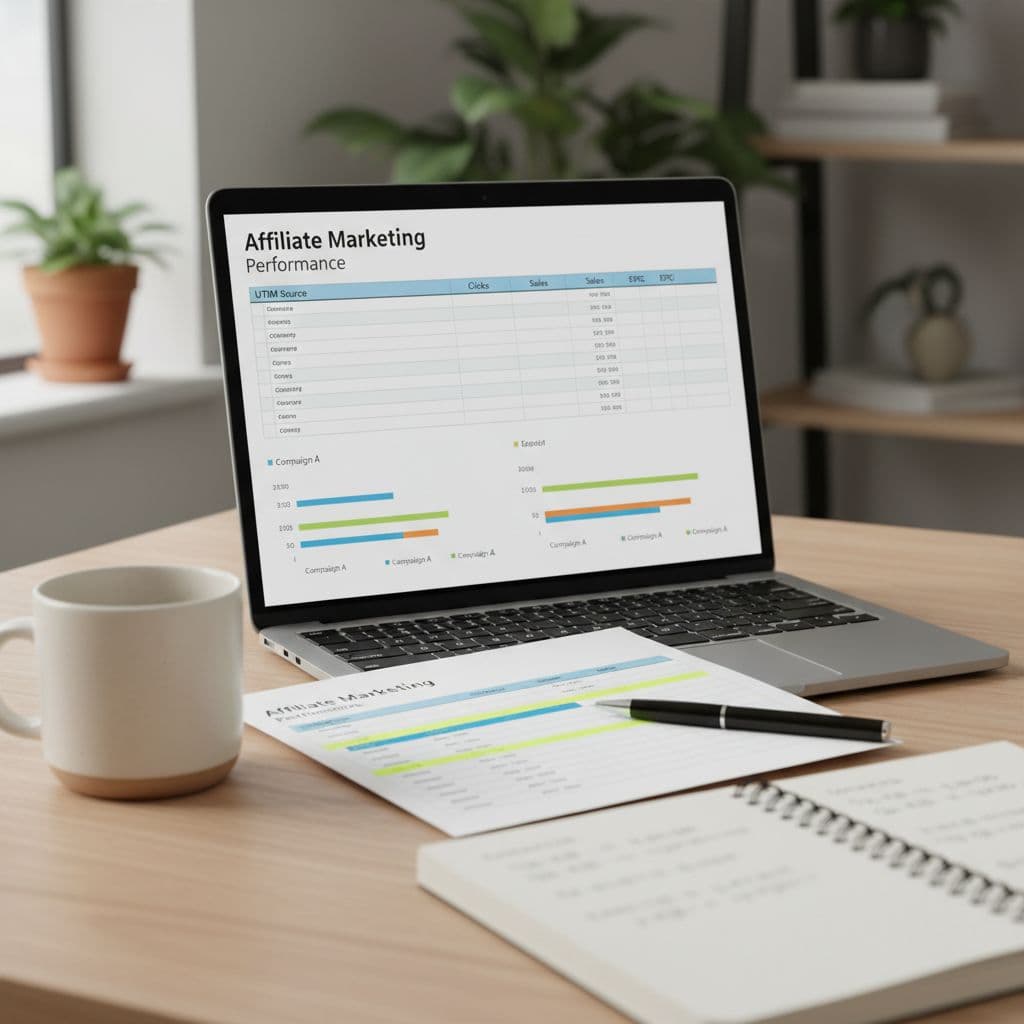
Open your affiliate dashboard and pull a date range for the last 7 days.
Then scan these:
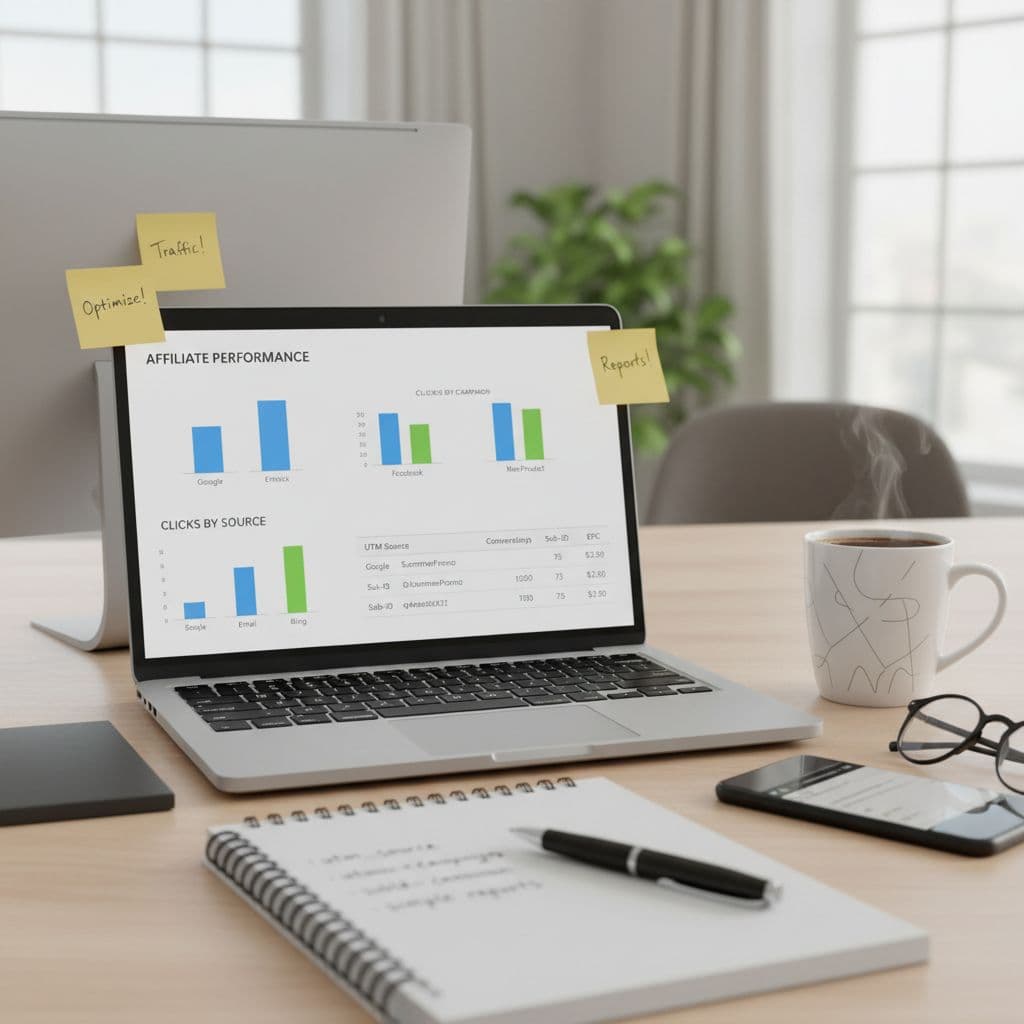
- Clicks by sub-ID: Which pages and placements are getting attention?
- Sales (or leads) by sub-ID: Which placements actually convert?
- EPC (earnings per click): Which links pay per visitor, not just per sale?
Then open your site analytics and review traffic by UTM source and campaign.
If you’re using GA4 and want a clearer explanation of how UTMs get used in reporting, this guide breaks the concepts down well: https://www.owox.com/blog/articles/utm-parameters-explained-a-complete-guide
Your weekly action can be simple:
- Double down on the top 1 to 2 sub-IDs by EPC (add another button, add a comparison box, add a new email mention).
- Fix the top 1 to 2 sub-IDs with lots of clicks but no sales (message mismatch, weak call to action, wrong offer).
Mistakes that wreck affiliate link tracking (and easy fixes)
Most tracking problems come from tiny habits, not tech.
- Random names: If you type
newsletter,email, andEmailin different links, your data splits. Pick one. - No record of link changes: If you swap an offer or rewrite a page, note the date in your sheet.
- Too many UTMs: Stick to source, medium, campaign. Add content only if you’ll use it.
- Sub-IDs that aren’t readable:
a1b2c3tells you nothing later. Use words. - Changing patterns mid-stream: If January uses
postname-btn1and February usesbtn1-postname, your sorting breaks.
Keep it boring. Boring tracking is profitable tracking.
Affiliate link tracking that sticks
If you want clearer wins in 2026, treat tracking like a simple habit: name your traffic, label your placements, check results weekly.
Start with UTMs for source and campaign, add sub-IDs for content and placement, then review clicks, sales, and EPC every Friday.
After a month, you’ll stop guessing, because your links will tell you the truth.